> For the complete documentation index, see [llms.txt](https://hiveminddocs.gitbook.io/hivemind/llms.txt). Markdown versions of documentation pages are available by appending `.md` to page URLs; this page is available as [Markdown](https://hiveminddocs.gitbook.io/hivemind/environments/modular-rural-town/documentation.md).
# Documentation
## **Materials**
### **MM\_Basic\_PBR**
{% hint style="info" %}
Main material used for every prop in the pack.
{% endhint %}
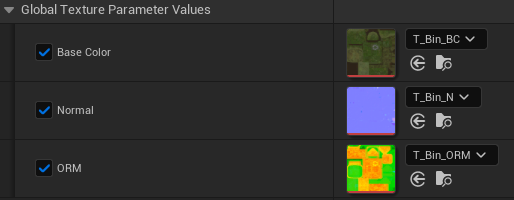
When creating an instance we have the following parameters:
Base Color map Normal map ORM has 3 maps in 1 to optimize project files. O - Ambient Occlusion R - Roughness M - Metallic
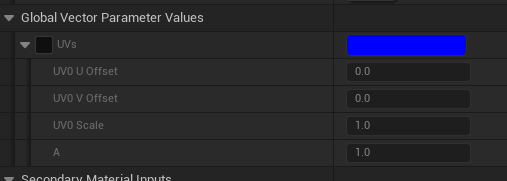
UV Parameters to change offsets/Scale
Option to add a secondary material on top of our main one to add specific changes to the prop, like a more worn aspect.
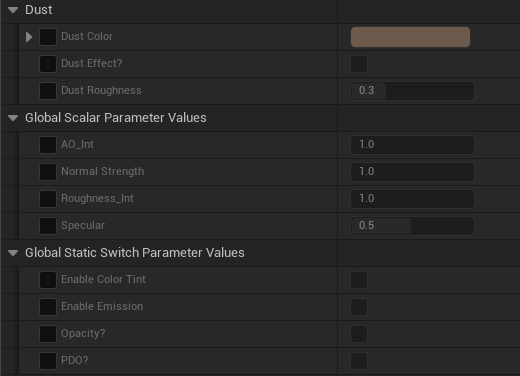
* Simple Dust option with contrast/Scale with masking, can be used to add snow onto props or others
* Map intensity parameters to adjust simple things without having to reimport
* Color tint option to adjust color map
* Emission map in case its needed we check the box
* Opacity map in case its needed we check the box
* PDO Adds a PDO value to our scalar parameters to blend obecjts better with the floor/props around them, creates an opacity dither to make pixels disappear when touching our other objects, like landscape
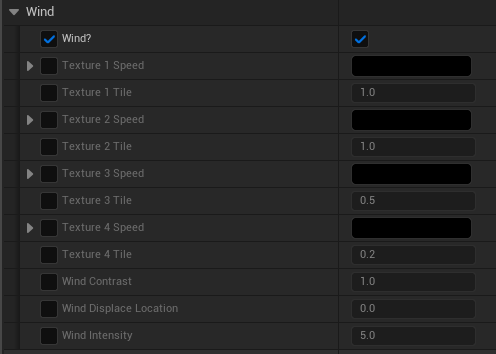
Wind enables the option to make props move like cloth through vertex offset, just add speeds and tweak contrast/intensity values.
### **MM\_Glass**
Simple glass that has color/refraction and roughness values for us to tweak and achieve a good look with masks.
### **MM\_LocalDust**
Works with our NS\_LocalDust to create a simple particle dust behaviour moving.\
Can change the speed/intensity and colors.
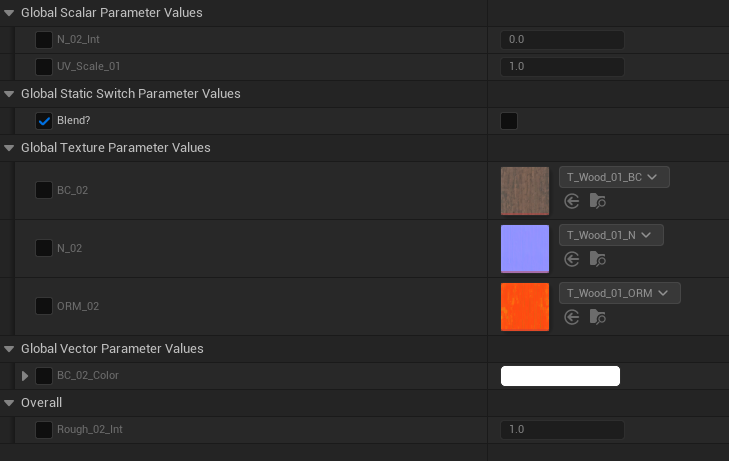
### **MM\_BlendMask**
Creates a simple triplanar material with the option to add another triplanar material on top and blend them with masks
We can change the material maps, UV scaling, normal intensity, roughness intensities, color tints, masks and contrast/intensity of those masks.
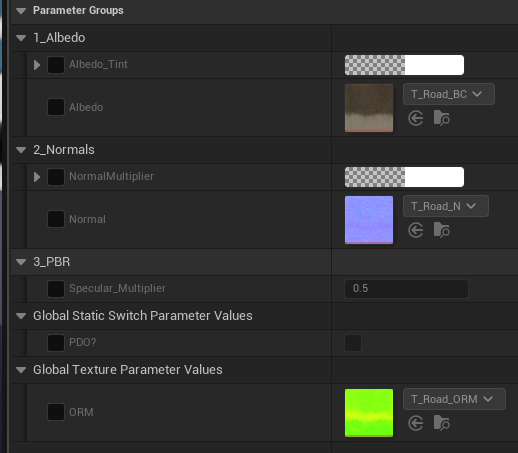
### **MM\_Road**
Our material has simple albedo/normal tweaks and the option to use PDO to blend it with the landscape.
### **MM\_SharpenFilter**
Adds a sharpen filter to the whole project if we add it to our postprocess materials and give it a value.
***
## **Blueprints**

The majority of our blueprint are merged meshes to create interesting prop positions, useful blueprints are:
### **BP\_Godray**
When thrown in the scene we have a simple 2 planes ray card that has values to change color/intensities and contrast to those planes, they act as rays of light.
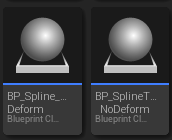
### **BP\_SplineDeform / BP\_SplineNoDeform**
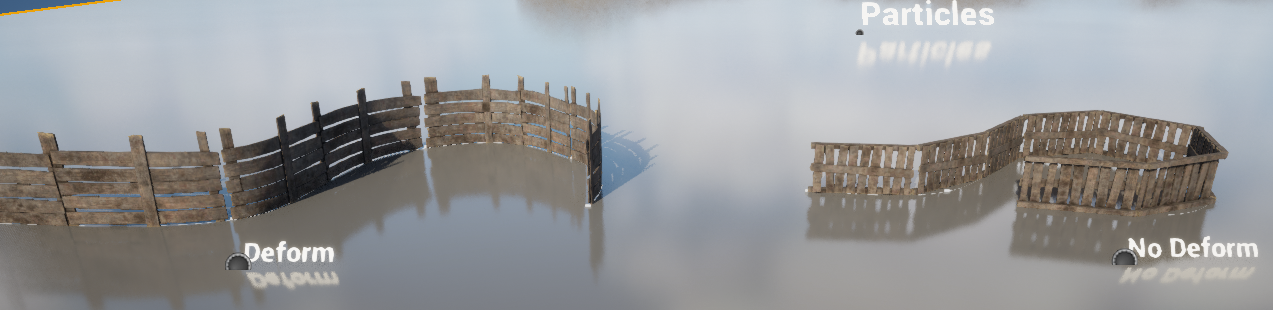
It lets us have a mesh following a spline, first BP adds a deform to the meshes to follow the path straight, the second BP doesn’t deform our mesh but still follows the path.\
Visualize it on L\_Showcase.
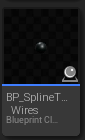
### **BP\_SplineTool\_Wires**
Throw two dots in the scene, select one of them and add a connector, a wire will appear connecting both of them.\

For rendering purposes we should use an engine warm-up frame in the anti-aliasing tab of minimum 600 frames to have our wires in the correct position, if not they will be bouncing because of gravity.
***
## **Particles**
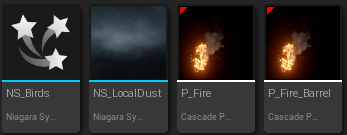
* NS\_Birds makes birds spawn from one point in one direction
* NS\_LocalDust adds simple dust in one area, can scale it if needed
* P\_Fire is used for candles and has a bigger area light
* P\_Fire\_Barrel is used for barrels with better optimization and less intensity
## **Useful information.**
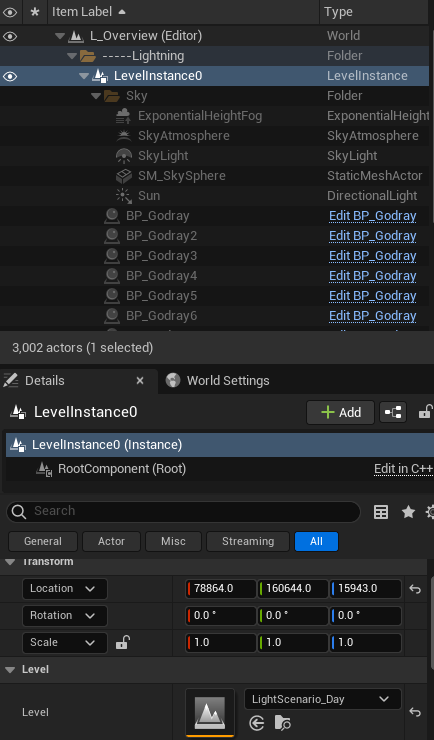
We have a level instance in L\_Overview, our demo level, at the bottom right we can change the light of the whole level to make it day/night just by selecting the correct LightScenario level.